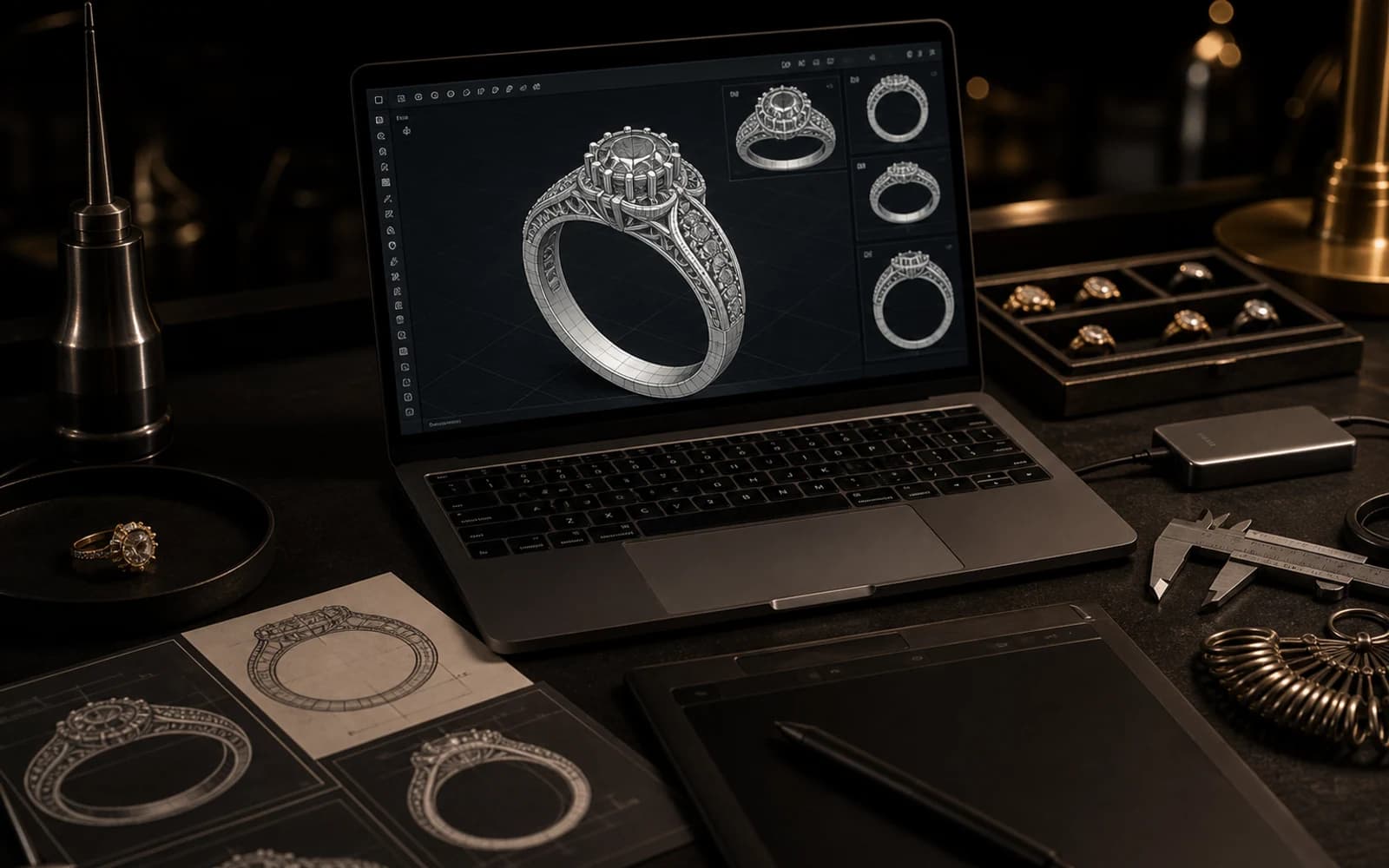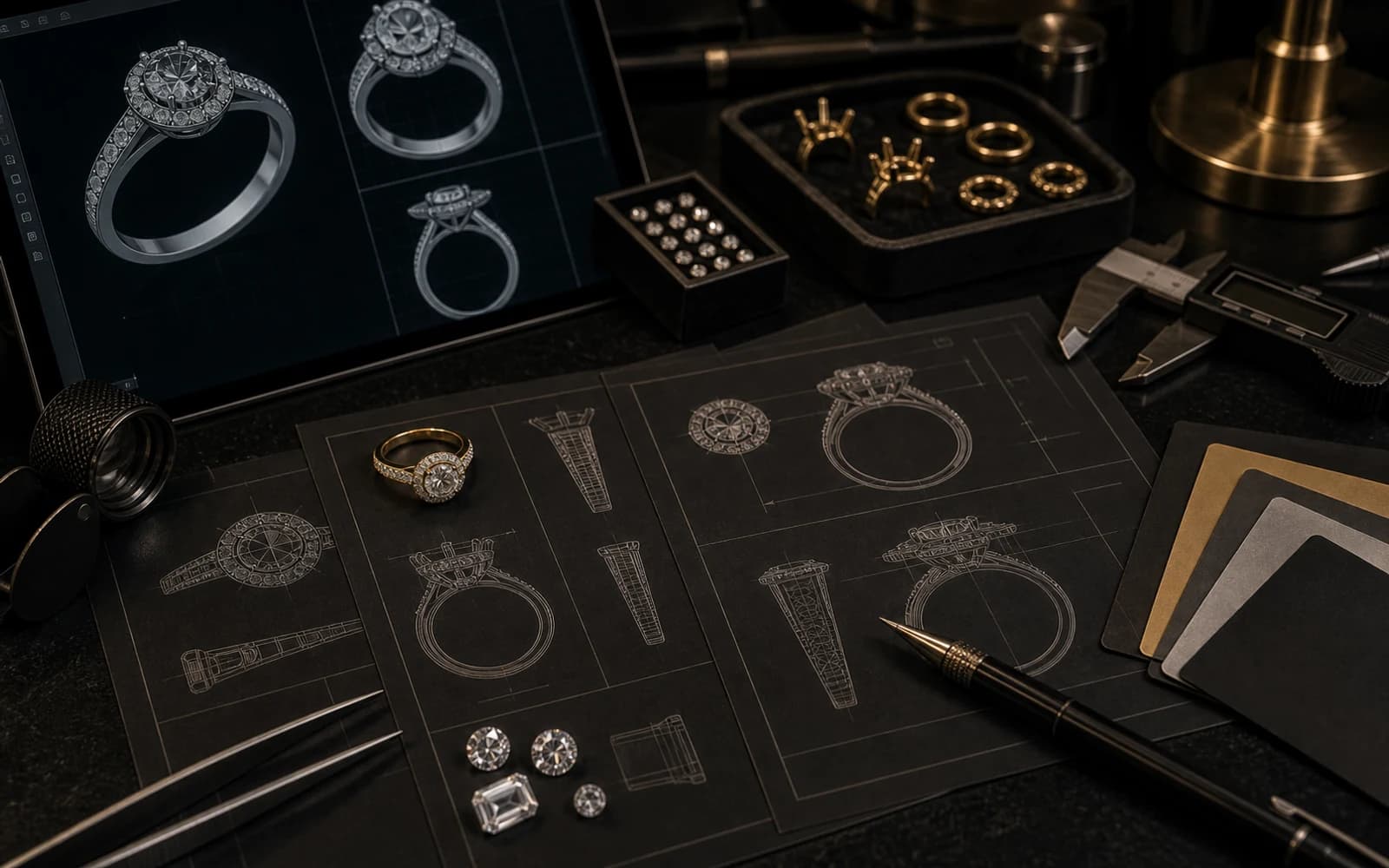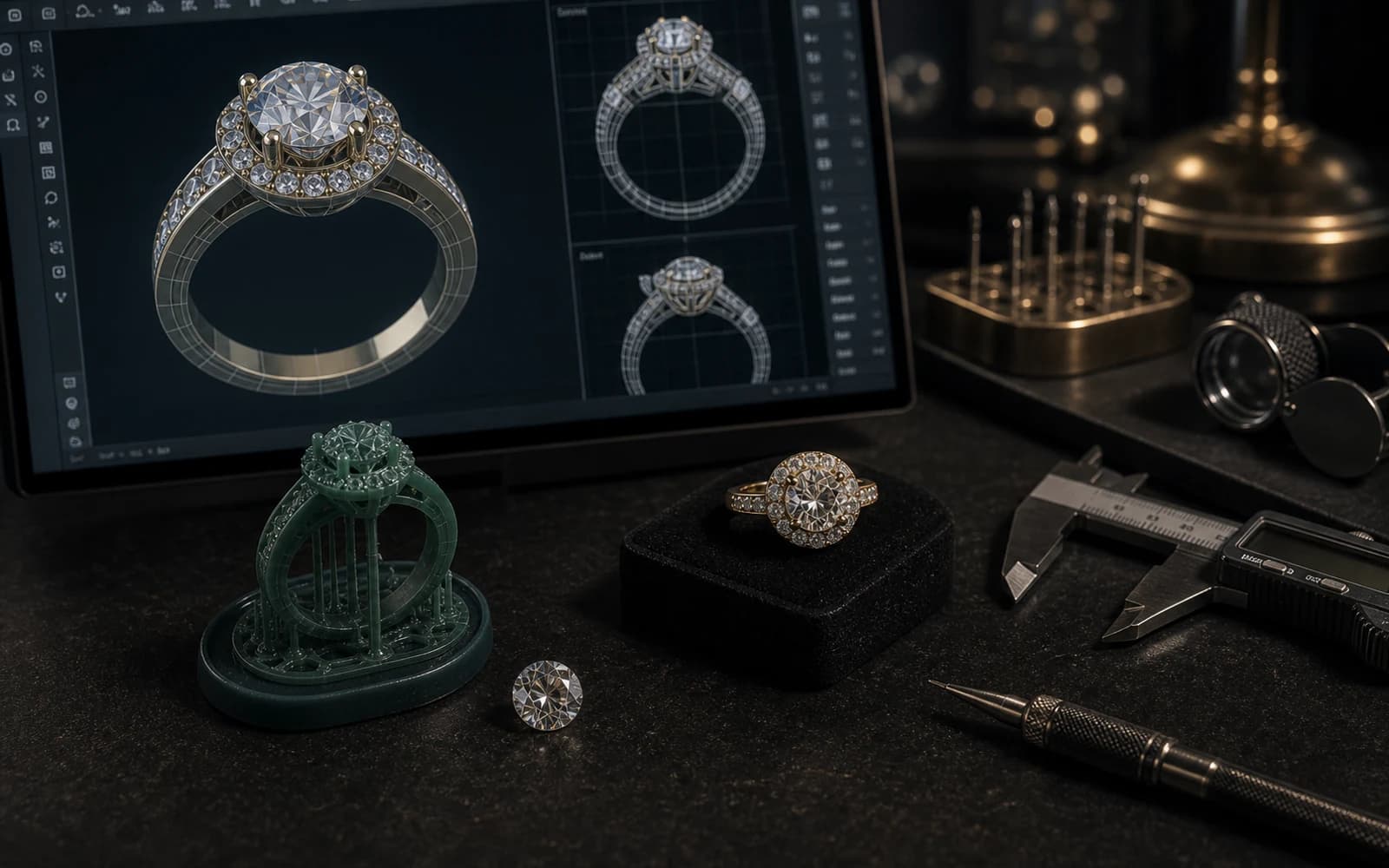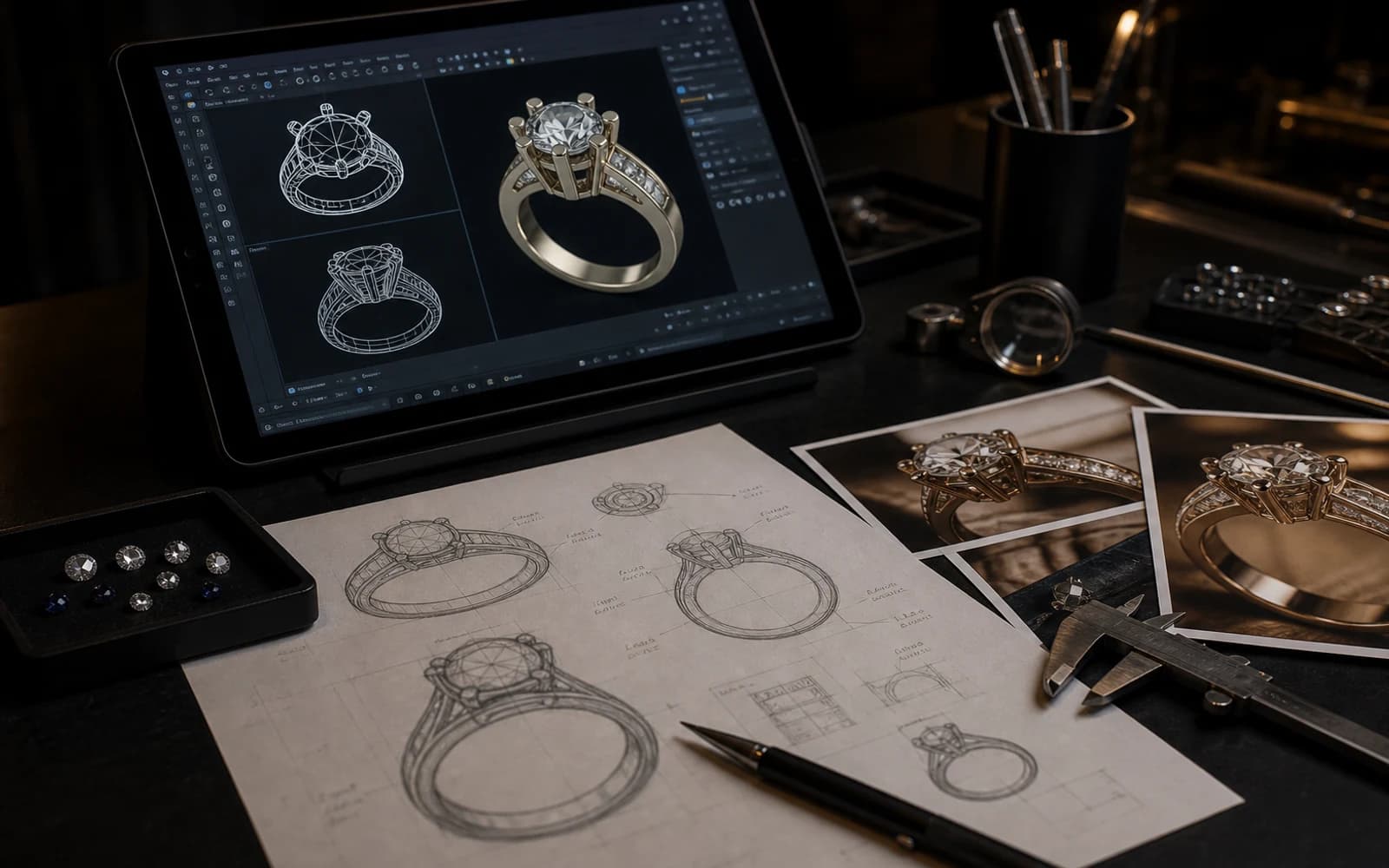
Send references with a purpose
Photos are most useful when they explain a decision. One image may show the silhouette, another may show the stone layout, and another may show the finish or clasp style.
The CAD designer should know what to follow and what not to copy. This keeps the model original while still using references to clarify the design intent.
Include measurements when possible
Measurements help turn a visual idea into production geometry. Ring size, pendant height, chain length, stone size, earring weight, and preferred thickness can all affect the CAD model.
If you do not know the exact numbers, send approximate goals and ask for production guidance. It is better to discuss scale early than discover the issue after printing or casting.
- Include ring size or target dimensions.
- Share stone sizes or ask for calibrated stone options.
- Mention whether the piece must be lightweight, bold, or delicate.
Explain the production goal
A CAD model for a one-off piece may be reviewed differently from a model intended for wholesale jewelry production. Repeatability, durability, and finishing steps matter more when the design will become a product line.
Tell the CAD team whether the file is for sample making, casting, 3D printing review, or a larger production plan.
DMJ production note for How to Prepare Files, Photos, or Sketches for CAD Jewelry Design
For "How to Prepare Files, Photos, or Sketches for CAD Jewelry Design", DMJ Concept applies this production lens: CAD is where DMJ Concept reduces risk before jewelry factory Thailand work begins. A production-aware model helps protect proportions, stone seats, thickness, polishing access, and plating expectations before the design moves into metal.
What makes a reference useful for CAD
A useful reference explains a decision. One image might show the band profile, another might show the stone setting, and another might show the surface finish. The CAD designer needs to know which part of each reference matters.
This prevents accidental copying and helps create an original model that still follows the client intention. It also helps the factory judge whether the idea can be cast, polished, plated, and worn safely.
- Mark the reference that shows the shape.
- Mark the reference that shows the finish or texture.
- Add measurements or a target size whenever possible.
How better files reduce production risk
Better input files reduce guesswork. If a client sends only one photo, the factory may have to infer thickness, side profile, stone depth, and comfort details. Those guesses can create changes later.
A CAD-ready package gives the jewelry manufacturer a clearer path from idea to model. For custom jewelry manufacturing in Bangkok, this can save time before sample making and reduce avoidable revisions.
- Send front, side, and perspective references when available.
- Mention ring size, chain length, earring weight, or pendant scale.
- Explain the budget direction before expensive details are modeled.
Frequently Asked Questions
Can CAD jewelry design start from a photo?
Yes. Photos can guide style and proportion, but the final CAD model still needs original production decisions and technical review.